
Talk instead of typing
In the report form, signed-in employees can answer three short spoken questions in Hindi, English, Marathi, Tamil or Gujarati. The words appear as they speak.
Many people find it easier to say what happened than to write it. Speak turns speech into text in the browser, shows the words to check, and can keep a recording with the voice changed. Here is what that does, and what it doesn't.
In the report form, signed-in employees can answer three short spoken questions in Hindi, English, Marathi, Tamil or Gujarati. The words appear as they speak.
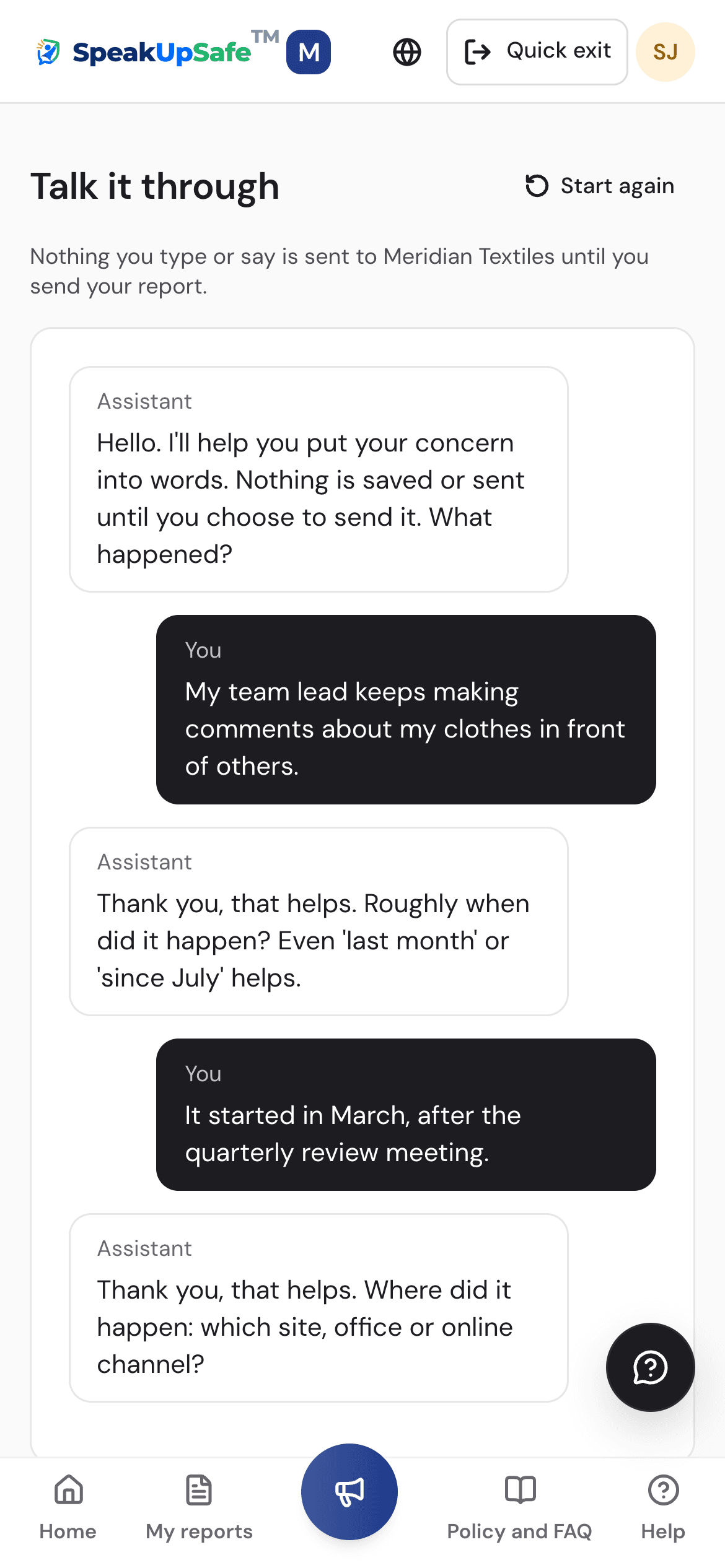
Talk it through, the page for reporting without an account, and kiosk tablets have a Speak button for dictation in all six languages, Arabic included. It types; it keeps no recording.
Where the browser can do it on the device, the voice stays there. Where it can't, it asks: type instead, or use the browser's online speech service for this tab.
A recording is changed in pitch on the phone before it is uploaded, so the original voice is never sent. It is on by default; the person can untick it.
A kept recording is encrypted with the company's key. Only the case team can play it, marked as changed by the reporter, and each play goes into the case history.
Untick Keep my recording and only the words are sent. Nothing about the voice reaches the case team.
What it asksChannels that take reports in writing or orally, or both.
What the product doesReports can be spoken or typed, in the same form, in the person's language.
What it asksAn oral report is recorded only with consent, or written down and offered to the person to check and correct.
What the product doesKeeping a recording is a choice the person makes, and the words are on screen to check and correct before anything is sent.
What it asksA voice is personal data, to be protected with reasonable security safeguards.
What the product doesThe change runs on the phone, recordings are encrypted with the company's key, and the person can send text only.
A summary, not legal advice. Your lawyers will know which rules apply to your company.
It is one layer of protection, not a guarantee that nobody will recognise you.
A walkthrough of the screens on this page, set up around your company.