
Three ways to report
Anonymous: no name with the report. Confidential: the name opens only after a second person approves it, and the person is told. Open: the case team sees the name.
No name and no internet address kept with the report. The person who reported can still read replies and answer questions, so the case team can ask what it needs to know.
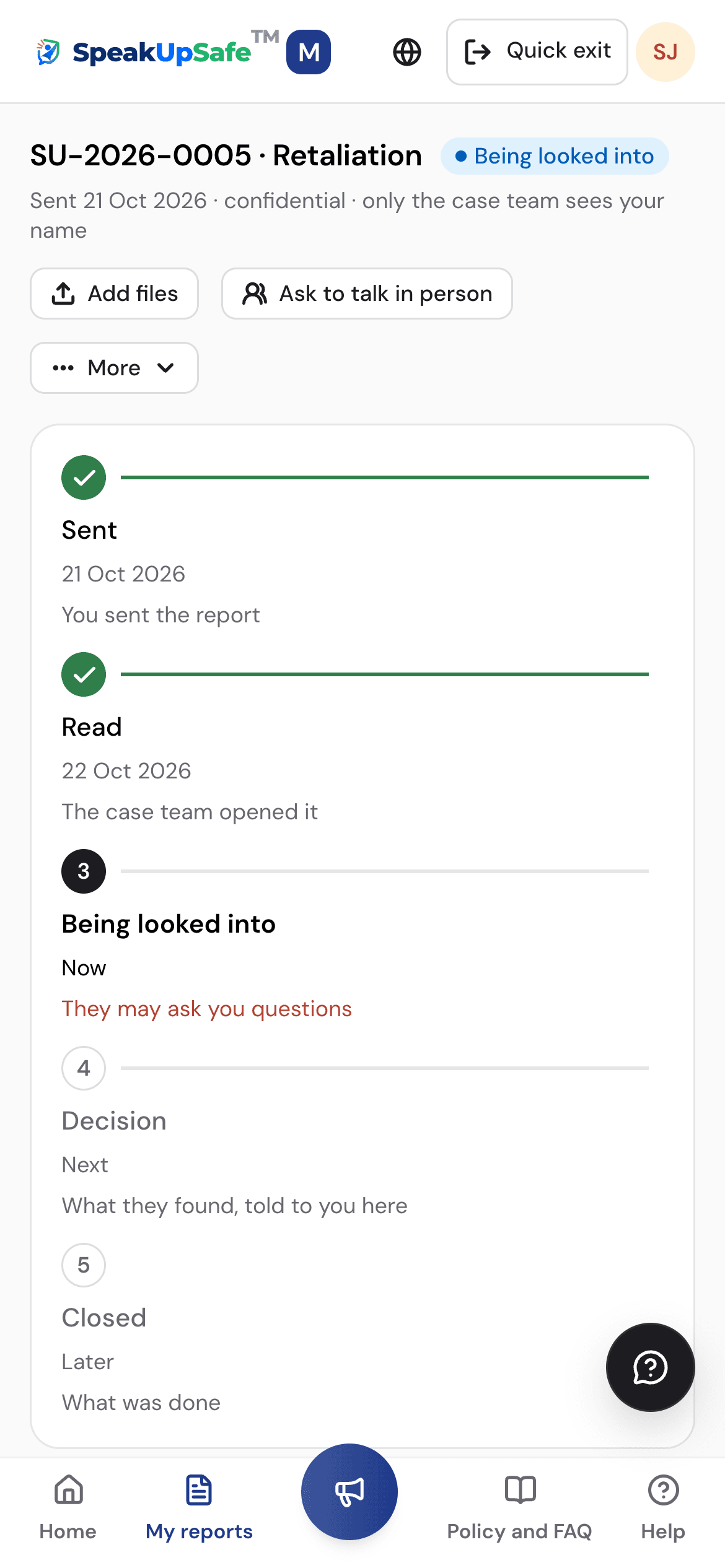
Anonymous: no name with the report. Confidential: the name opens only after a second person approves it, and the person is told. Open: the case team sees the name.
The case team sees a pseudonym such as R-7KQ2. Name, account and internet address are not kept with an anonymous report.
Reporting without an account gives a reference, an access code shown once, and an optional PIN. Together they open the report again. Nobody can look it up by name.
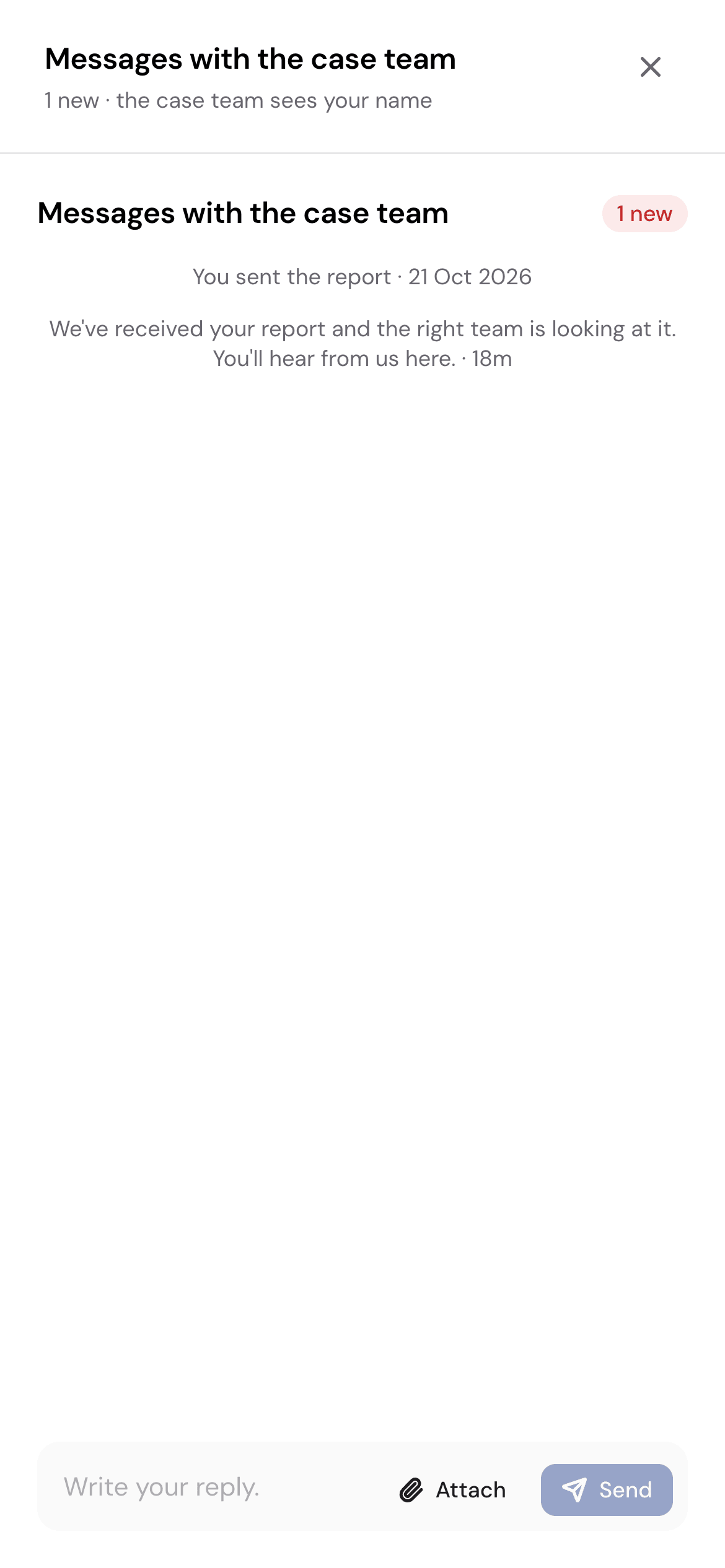
The case team writes through the portal and the reporter answers the same way. A note reminds the team not to ask questions only the reporter could answer.
Each company has its own reporting page and an A4 QR poster. Where the company allows it, people report without an account, from the page or a kiosk tablet.
One, three and six months after a case closes, the reporter is asked whether anything has changed at work. A concern alerts the case team straight away.
From its link or QR poster. Sign in with a code sent to your work email, or report without an account where the company allows it.
In a few short steps, typed or spoken, in one of six languages. Choose Anonymous.
Without an account: the reference and access code, shown once. Signed in: the report is under My reports, through a link only you can open.
The case team must acknowledge within 7 days, and you can reply or add details at any time.
The case team writes through the portal and never learns who it is talking to. The reporter answers in their own language.
What it asksChannels designed to keep the reporter's identity confidential (Art. 9 and 16). Whether to accept anonymous reports is left to each country.
What the product doesAnonymous and confidential reporting, identities sealed with their own key, and two-way messages that reveal nothing about the reporter.
What it asksA vigil mechanism with adequate safeguards against victimisation of the people who use it.
What the product doesReporting without a name, and check-ins after a case closes to catch retaliation early.
What it asksA vigil mechanism for directors and employees, with safeguards against victimisation.
What the product doesThe same channel for directors and employees, with the same protections.
What it asksThe identity of the complainant, respondent and witnesses must not be made public.
What the product doesNames sealed by default. A confidential name opens only with a second person's approval, and the person is told.
A summary, not legal advice. Your lawyers will know which rules apply to your company.
Anonymity protects the channel. It cannot hide what the words themselves give away.
A walkthrough of the screens on this page, set up around your company.